
WooCommerce Delivery Plugin for Route Optimization & Local Deliveries
From WooCommerce Checkout to Your Customer’s Door
Every order placed in your WooCommerce store has a delivery behind it. Logistia Route Planner’s WooCommerce delivery plugin connects your store directly to your delivery operation: importing orders, optimizing routes instantly, and updating your WooCommerce order status the moment a delivery is complete. From the checkout page to the customer’s door, everything is connected in one platform.




What You Can Do With the WooCommerce Delivery Plugin
Connecting your WooCommerce store takes minutes and requires no technical knowledge.
Connect your store
In your Logistia Route Planner account, you can add your WooCommerce store. Once done, the connection between the two platforms is established automatically: no keys, no configuration screens to work through.


Import orders
Once connected, you can start importing orders manually by selecting which ones you want to include in a route, or set up auto-import rules that pull in orders automatically based on the checkout delivery date your customers selected. Either way, your orders land in Logistia Route Planner ready to be planned on the right date.
Optimize your routes
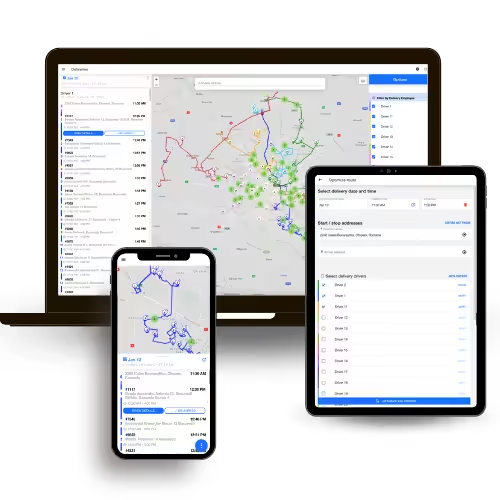
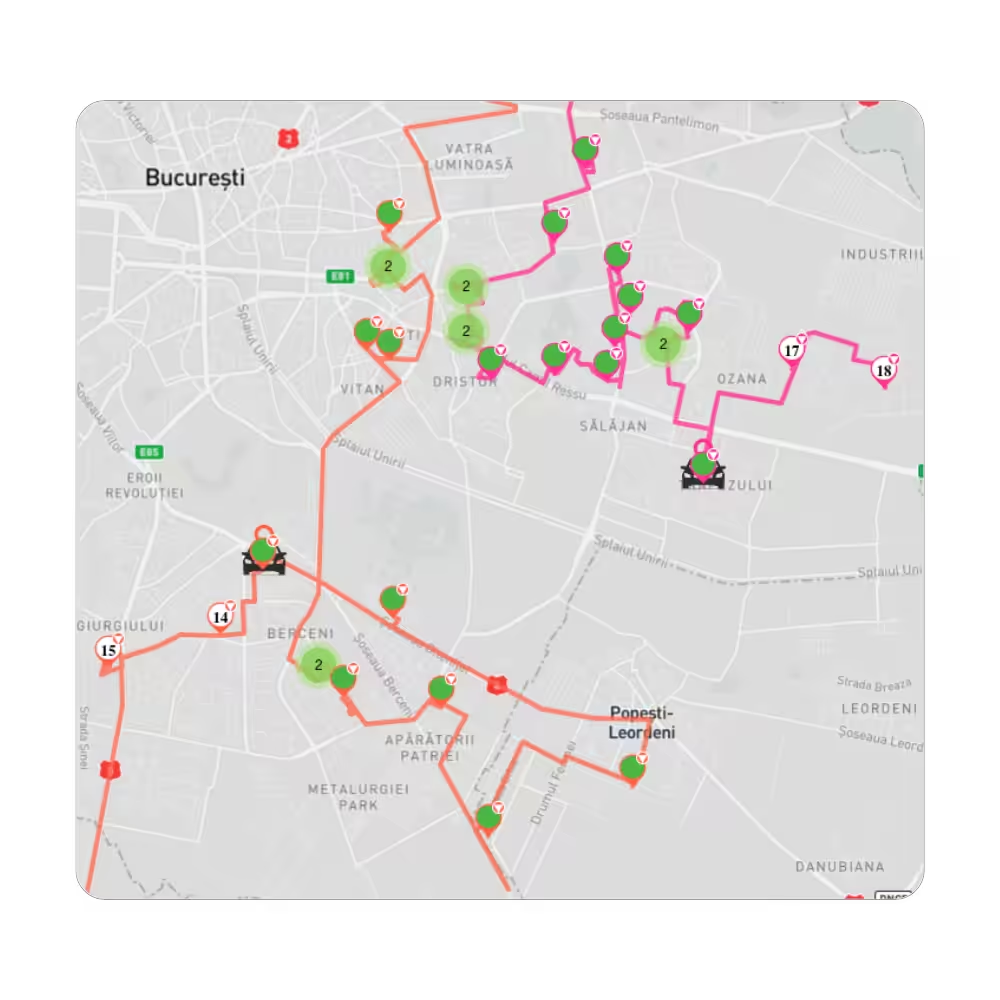
With your orders imported, Logistia Route Planner organizes them into an optimized delivery route. If you have local pickup orders in the mix, you can keep them separate so you can manage them without them affecting the route plan.

Track, Confirm and Analyze
Logistia Route Planner goes beyond order import and route optimization. Live tracking, proof of delivery, and analytics & reporting are all built in, giving you complete visibility over every delivery, from your WooCommerce store to your customer’s door.
Where Your WooCommerce Store Meets Your Delivery Team
Connecting your WooCommerce store is just the starting point. Logistia Route Planner gives you a full set of tools to run your all your delivery operations, from the moment a customer checks out to the moment it lands at their door.
Mobile apps
Drivers have everything they need for a successful delivery in their account using Logistia Route Planner’s mobile app. Everything is connected in one platform.
Notifications
Keep customers informed at every stage of delivery, sothey always know where their order is.
Settings
Add your reports to track exactly what your business needs to be better. Choose the data sources and track the KPIs that matter most to your operation.
Offline access
Logistia Route Planner works even offline, ensuring deliveries continue uninterrupted even in low-connectivity areas. When connection is restored, everything syncs up automatically.
Route Optimization
Plan smarter routes with capacity and time window constraints built in. Logistia Route Planner optimizes every route around your vehicle load limits and customer time slots, then tracks how those routes performed in your analytics.
Proof of Delivery
Every signature, photo, and note captured at delivery is automatically linked to the relevant order. You get a clean, verifiable record of every stop, useful when a customer says their order never arrived.
User access control
Segment your team and give them exactly the role they need and nothing more. Keep them organized without issues.
Feedback collection
Include in every delivery notification a tracking link. And once a delivery is marked complete, customers can leave a review, letting you know what went well and what can be improved.
API access
Logistia Route Planner connects to other tools your business already uses, so it fits into your existing operations without replacing everything else.
Real Businesses, Real Results
Using Logistia Route Planner has been the best decision for many businesses.
FAQs
Start planning your WooCommerce deliveries in minutes
Create your Logistia Route Planner account today and get full visibility over every route, every driver, and every local delivery for your Woo store.